

Does GTA 6 Auto Save? Yes — But Don’t Rely On It Alone
 By Nadeem
0 Comments
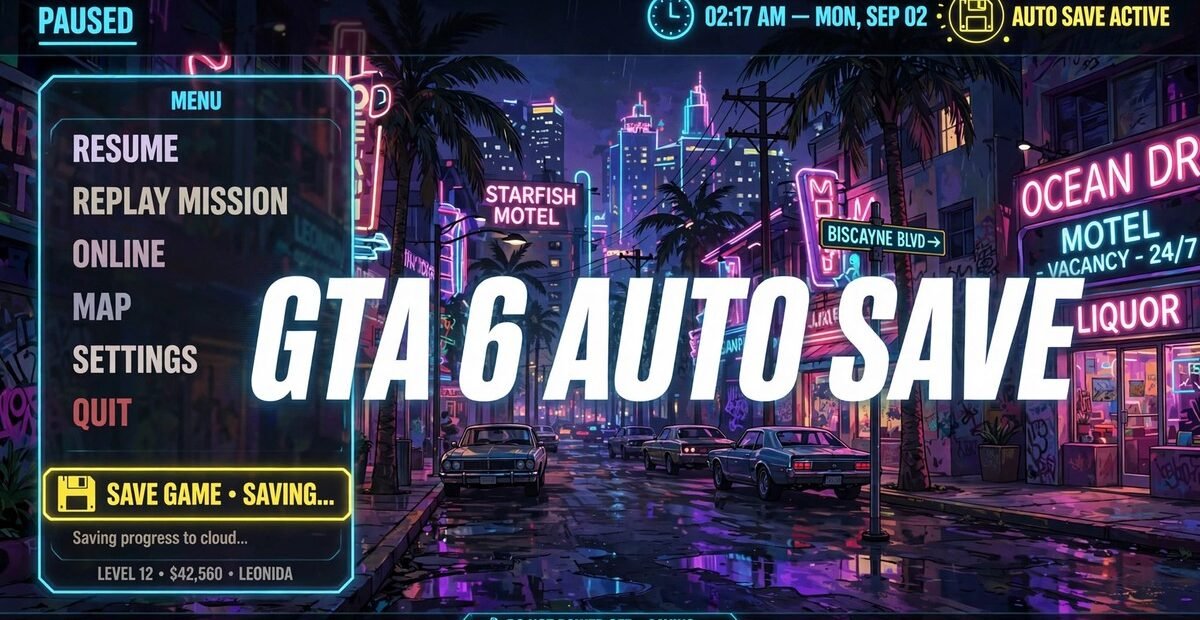
Does GTA 6 auto save? Yes. But that yes is doing a lot of work, and the warning attached to it is the real answer to the question. GTA 6 has autosave, and it works, but it is limited, it is easy to misunderstand, and players have already lost progress by trusting it too much. The honest version of the answer is this: autosave exists, it saves after missions and major events, it does not save mid-mission or on a timer, and there is only one autosave slot. If you want your progress to be safe, you need to save manually as well.
This is a practical post, and it is worth reading before you lose an hour of progress you thought was saved. It covers exactly when autosave triggers, when it does not, how manual saves work, when manual saving is blocked, and why the combination of autosave and no mission replay makes manual saves more important in GTA 6 than they were in GTA 5.
The moments autosave actually fires
Autosave in GTA 6 triggers after you complete a mission — main missions and some side missions — after major open-world events, after expensive purchases, and when you get killed or arrested. That is the full list, and it is worth reading carefully, because what is not on it matters as much as what is.
There is no timer. Autosave does not run at regular intervals, there is no save every ten minutes, and there is no background save while you are driving around. If you spend two hours exploring Leonida, robbing stores, meeting people and driving the coast, and you do not complete a mission or trigger a major event in that time, autosave may not have saved any of it. That is the gap that catches people out. The game feels like it is saving, because it saved after the last mission, but the two hours since then are not saved, and they will not be saved until something triggers a save.
No mid-mission saves — and the icon is no guarantee
Autosave also does not save mid-mission. If you are halfway through a mission and something goes wrong — a crash, a power cut, a console error — the mission progress is gone, and you will restart the mission from its beginning. There is no mid-mission checkpoint save in the way some games have it, and there is no autosave that captures your position inside a mission. The mission is either finished, in which case it is saved, or it is not, in which case it is not.
There is one more detail that adds to the confusion. The autosave icon — a white spinning circle — does not always show when a save happens. So you cannot rely on seeing the icon to know that a save occurred, and you cannot rely on not seeing it to know that one did not. The icon is a hint, not a guarantee, and the guides that have tested the system say so explicitly. If you are waiting for the circle to tell you that you are safe, you are waiting for a signal that may never come.
One slot, and no going back
There is only one dedicated autosave slot in GTA 6. Every new autosave overwrites the previous one. That is a simple fact with a sharp consequence: you cannot go back to an earlier autosave. There is no autosave history, no list of recent autosaves, no way to rewind to the autosave from an hour ago. There is the current autosave, and there is nothing else.
What a single slot means for choices and mistakes
That matters in a game with story choices. If you make a choice — spare someone, kill someone, go alone or go with your partner — and the game autosaves after the mission, that choice is locked in, in the autosave. You cannot undo it by loading an earlier autosave, because there is no earlier autosave. You can only undo it by loading a manual save, and only if you made one before the choice. That is why the manual save system exists, and why it matters more than it looks.
It also matters when something goes wrong. If the autosave itself is the problem — if it saves you into a bad position, or after a bug, or in a state you do not want to be in — there is no earlier autosave to fall back to. The only fallback is a manual save, and again, only if you made one. The single autosave slot is not a flaw in the design. It is a design choice, and the choice is that the player is expected to manage their own saves.
Manual saves: generous, but with hard limits
Manual saves are the other half of the system, and they are generous in some ways and restrictive in others. You get 15 manual save slots, which is plenty, and you can save from the pause menu: Options on PS5 or Menu on Xbox, then the Game tab, then Save Game, then pick a slot. You can save anywhere in free roam, which is a real improvement over GTA 5, where you had to go to a safehouse or use the phone’s quick save. In GTA 6, if you are standing on a street in Vice City, you can save. You do not need to drive anywhere.
That freedom is the good news. The restriction is when you cannot save, and the list is long. Manual saving is blocked during the whole prologue, and it only unlocks once Jason reaches his marina house after the first job for Brian. It is blocked during any active mission. It is blocked in combat, with a wanted level, and while falling. In those states, the “Save Game” option is greyed out in the menu, and there is no way around it.

The prologue block catches new players
The prologue block is the one that catches new players. For the first hours of the game, you cannot save manually at all, and you are entirely dependent on autosave. That is the period when you are learning the game, when you are most likely to make a mistake, and when a crash would cost you the most, because you have no manual save to fall back to. It is worth knowing that before you start, because it changes how you play those first hours: you play them carefully, you finish the missions, and you do not assume that anything is saved until the game tells you it is.
Why this matters more here than it did in GTA 5
There are two reasons manual saves matter more in GTA 6 than they did in GTA 5, and both are worth understanding before you are deep into the game.
No mission replay — and side missions that disappear
The first is that there is no mission replay in GTA 6. In GTA 5, you could replay a mission to get a better medal, to try a different approach, or to see what you missed. In GTA 6, you cannot. Once a mission is done, it is done, and the only way to play it again is to load a manual save from before it. That makes manual saves the only replay system in the game, and it makes the habit of saving before a mission the only way to revisit that mission.
The second is that some side missions disappear for good once their chapter ends. The game does not warn you, or at least not always, and the mission is simply gone. If you wanted to do it, and you did not do it before the chapter ended, it is gone, and the only way to get it back is a manual save from before the chapter ended. That is a high price for not saving, and it is a price that is easy to pay without realising it, because the chapter boundary is not always obvious while you are playing.
Going back can replace your autosave
Loading an older manual save can also replace your autosave, which means you should back up your current progress first if you are going back to try something different. The save system is not complicated, but it is unforgiving, and the unforgiving part is the part that is easy to miss until it is too late.
The habit that keeps your progress safe
The guides that have tested the system — Polygon, Engadget, Dexerto, Insider Gaming, KeenGamer and esports.gg — agree on the practical advice, and it is simple. Save manually roughly every 30 minutes, and keep two or three rotating slots, so that you always have a recent save and a slightly older one to fall back to. Save at the start and end of every chapter. Save before any major story choice, before any mission you care about, and before you try anything risky.
Streamers have already lost progress
That advice exists because streamers have already lost progress to autosave issues, as reported by Dot Esports and Polygon on 20 November. The reports are not about a single bug. They are about the system working as designed and players assuming it worked differently — assuming it saved on a timer, assuming it saved mid-mission, assuming there was an earlier autosave to fall back to. The system did not fail. The assumption did. And the fix for the assumption is a habit: save manually, save often, and do not trust the autosave alone.
It is also worth saving before you try anything risky from a guide. Using a cheat, for example, disables saving and trophies for that session, so save first. And if you are planning a long session, knowing how long the story will take will help you plan it. The save system rewards players who think ahead, and it punishes players who assume the game is doing the thinking for them. Thirty seconds in a pause menu, every half hour, is the cheapest insurance in the game.


GTA 6 Voice Cast: Dylan Rourke as Jason, Manni L. Perez as Lucia, and Every Actor Revealed
Rockstar Games kept the cast of Grand Theft Auto VI a secret for years. Through two trailers, a year of…
Read More →
GTA 6 PS5 vs PS5 Pro vs Xbox: Performance, Frame Rate and Is the Pro Worth $899.99?
GTA 6 is finally out, and the question every console player has been asking for years now has a definitive…
Read More →
How to Make Money Fast in GTA 6: Barn Glitch, Fencing and Legit Methods
Money runs everything in GTA 6. Cars, safehouses, weapons, clothes, businesses, none of it comes cheap, and the game’s economy…
Read More →
GTA 6 Launch Bugs and Crashes: CE-108255-1 Error, Fixes and What Rockstar Has (Not) Said
GTA 6 launched on 19 November 2026 to record-breaking sales, but for a slice of players the biggest open-world game…
Read More →