
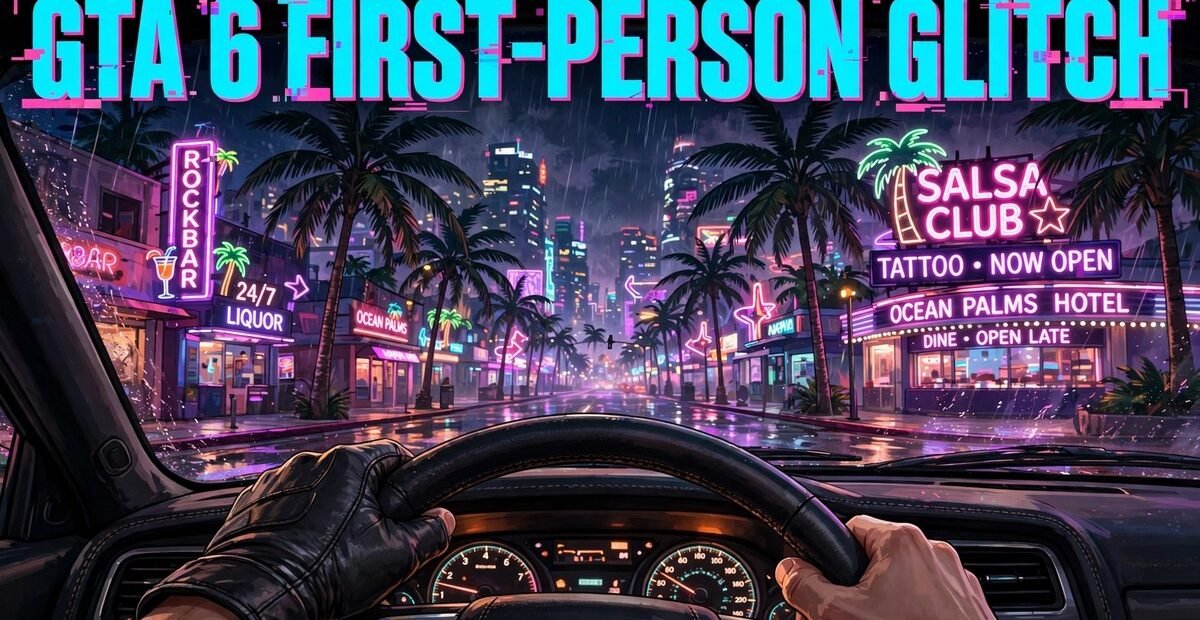

GTA 6 First-Person Mode Glitch: How to Play in First Person (Still Working)
 By Nadeem
0 Comments
GTA 6 launched without a first-person mode, and for a lot of players that was the one missing feature they noticed within hours of booting the game up. Rockstar built GTA 5’s first-person view into a beloved way to replay Los Santos, so it felt strange to find no equivalent toggle anywhere in GTA 6’s settings. There is no camera option to switch, no accessibility setting that enables it, and no menu entry hiding it away. What players found instead, within days of launch, was a glitch, an unintended camera trick that forces the game into a first-person view and, remarkably, keeps it there through most of normal play.
It was discovered by YouTuber oneboyler, popularised by OrangeGuy, tested by PC Gamer on 20 November, and reproduced independently by Pure Xbox on both PS5 and Xbox. Guides from Kotaku, Dexerto and GTABase were updated on 21 November and still describe the method as working. As of the morning of 22 November 2026, the glitch is still working and has not been patched. That could change at any time. The method is not elegant: remap a controller button, sit in a car, open the in-game phone, and hammer a button while you close it. It takes a few tries, but once it clicks, the result is a genuinely playable first-person view of Leonida. PC Gamer called it “completely playable” while also making clear it is not finished, and that is the honest summary.
Why Rockstar left first person out
Rockstar has never announced a first-person mode for GTA 6, and the game shipped without one. The closest thing to an official explanation came from Rockstar co-head Rob Nelson, who said in interviews around launch that the team prioritised third-person animations. That makes sense when you watch how GTA 6 plays: the character animation is extraordinarily detailed, and all of that work is built to be seen from behind the character. A first-person view would have needed a separate set of animations, arms, hands, weapon handling, and the way the camera behaves when the character climbs, swims, or takes cover, and Rockstar clearly chose to spend that effort elsewhere.
How a YouTuber found what Rockstar did not ship
The discovery belongs to YouTuber oneboyler, whose video showed the trick in action, and it spread quickly after OrangeGuy covered it. PC Gamer tested the method on 20 November and confirmed it works, describing the result as completely playable. Pure Xbox then reproduced it on both PS5 and Xbox, confirming it is not limited to one console. By 21 November, Kotaku, Dexerto and GTABase had all published or updated guides describing the same steps, and all of them still describe the glitch as working.
Save your game before you touch anything
Do this before anything else. Open the pause menu and save your game manually, in a fresh save slot if you can. The glitch itself does not corrupt saves or damage your game. Nobody reporting on it has described lost progress. But the important warning is about getting back, not about getting in. There is no clean way to return to third-person once the glitch is active. The reliable way back is to reload a save, and that means loading the save you made before you started. If you skip this step, you may find yourself stuck in first person with your only way out being to quit to the main menu and reload an older autosave, losing whatever you did in between.
This is also why the manual save matters more than usual in GTA 6. The game does autosave, but an autosave made after the glitch is active will load you back into first person. A manual save made beforehand is your clean exit. Make one. It takes ten seconds, and it is the difference between trying a fun trick and trapping yourself in a camera view you cannot escape without losing progress.
The trick itself, step by step
The steps below work on PS5 and Xbox. The button names differ, but the sequence is identical.
- First, remap the Touch Pad or View button to Camera. Go to Settings, then Controller, and find the Touch Pad button on PS5 or the View button on Xbox. By default it opens the map. Change it to Camera. This is the single most important step, and it is the one people miss. The glitch depends on the camera button being available at the exact moment the phone closes, and if the button still opens the map, the trick will not work.
- Second, sit in the driver seat of a car. Any car works. Get in and make sure you are in the driver’s seat, not the passenger seat. The glitch is triggered from inside a vehicle, and being in the driver seat is part of why it works. The game is handling the driving camera and the phone animation at the same time, and that overlap is what the trick exploits.
- Third, open the phone. Press up on the D-pad to bring up the in-game phone. Wait a moment for the phone to fully appear on screen. Do not rush this part; the timing of the next step depends on the phone being open.
- Fourth, close the phone while rapidly tapping the camera button. Press Circle on PS5 or B on Xbox to close the phone, and at the same moment start rapidly tapping the Touch Pad on PS5 or the View button on Xbox, the button you remapped to Camera in the first step. Keep tapping through the closing animation. This is the fiddly part. You are trying to catch the game in the split second where it is switching cameras, and the window is small.
- Fifth, check the camera and repeat if needed. If it worked, the camera will now be in first person. If it did not, you will still be in third person, and nothing bad has happened. Just try again. Most people need a few attempts before it clicks. The people who tested it for the guides all say the same thing: it takes a few tries, and then suddenly it works, and once you feel the timing you can repeat it reliably. If you have tried ten times with no luck, double-check the first step, because the button remap is the usual culprit. Once you are in first person, you can get out of the car and play on foot. The view stays in first person while you walk, run, drive other cars, and shoot. You do not need to stay in the car you started in.
Where it shines, and where it falls apart
The surprising thing about this glitch is how much of the game holds together in first person. Driving is the highlight. The view from the driver’s seat, the dashboard, the mirrors, the streets of Vice City sliding past the windscreen, feels made for this, and it transforms the game’s already strong driving into something genuinely immersive. Walking and running work well too, and gunplay works, with aiming down sights feeling natural. PC Gamer’s verdict that the result is “completely playable” is fair: this is not a broken camera that makes the game unplayable, it is a rough but functional first-person view of a game that was not designed for one.

The rough edges are real, though, and you should know them before you commit to a long session. First, your character’s arms and long guns can clip through the camera. Hold a rifle and you may see the weapon or an arm pass through the view in a way that looks wrong. It is a visual bug, not a gameplay-breaking one, but it is noticeable, especially with larger weapons. Second, some scenes force the camera back to third person. Getting arrested, visiting the hair salon, and opening certain shop menus will kick you out of the first-person view. These are scripted moments where the game takes control of the camera, and the glitch does not survive them. When that happens you will need to repeat the steps to get back into first person. Annoying, but not fatal, and a useful reminder to keep that manual save from earlier handy.
No clean way back, and it may be patched
Third, there is no clean way back, as already noted. There is no button to toggle back to third person. Reloading a save is the reliable exit. Quitting to the main menu and reloading will also do it. Do not expect a settings toggle to rescue you, because the game does not know you are in first person. As far as it is concerned, this is not a mode at all. Finally, the whole thing may be patched later. Rockstar has made no statement about the glitch, and no patch has removed it as of 22 November 2026, but glitches like this one tend to be fixed once they become widely known. If you want to try it, sooner is safer than later.
Is it safe, and will you get banned?
This is a single-player camera glitch. It does not modify game files, it does not involve third-party software, and it does not give you an advantage over other players, because there is no competitive element involved. You are only changing your own camera in your own game. Nothing in the reporting around this glitch suggests Rockstar is banning players for using it. That said, Rockstar has said nothing about the glitch at all, so there is no official statement to point to. The realistic risk is that a patch removes it, not that your account is punished. If you play GTA Online when it launches, the situation may be different, because online modes are policed more strictly, but for the story mode right now, this is a camera trick, not a cheat.
Could an official mode still arrive?
A natural question is whether the PC version of GTA 6 will have an official first-person mode, and the honest answer is that nobody outside Rockstar knows. There is no confirmed PC release date yet, and there is no statement from Rockstar about first-person on any platform. GTA 5’s first-person mode arrived after launch on newer platforms, so there is a precedent for Rockstar adding it later. But a precedent is not a promise. For now, the glitch is the only way to play GTA 6 in first person on any platform.
GTA 6 does not have an official first-person mode, and Rockstar has not said one is coming. But a glitch discovered by oneboyler, tested by PC Gamer and Pure Xbox, and documented by Kotaku, Dexerto and GTABase lets you play in first person right now on PS5 and Xbox, using nothing but a settings change and a button trick. It takes a few tries, it has rough edges, clipping weapons, forced camera resets in certain scenes, and no clean way back except reloading a save, but it is completely playable, and the driving alone makes it worth trying. Save manually first, remap the camera button, open the phone in the driver’s seat, and tap away. And try it soon: glitches like this one do not last forever.
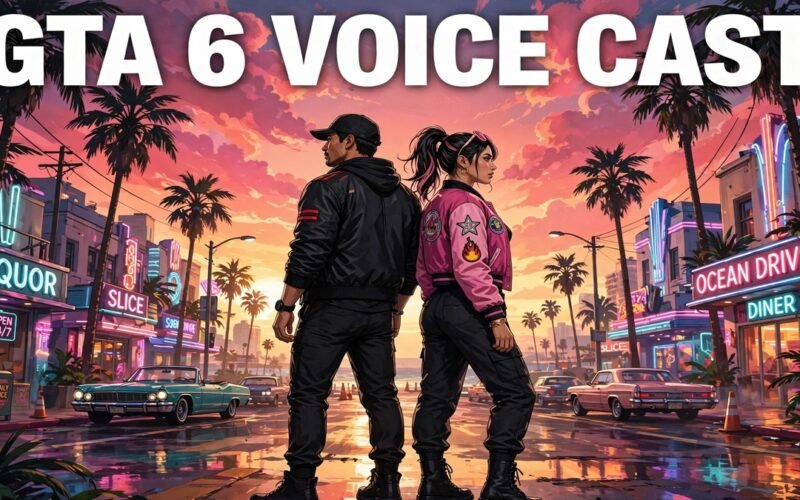
GTA 6 Voice Cast: Dylan Rourke as Jason, Manni L. Perez as Lucia, and Every Actor Revealed
Rockstar Games kept the cast of Grand Theft Auto VI a secret for years. Through two trailers, a year of…
Read More →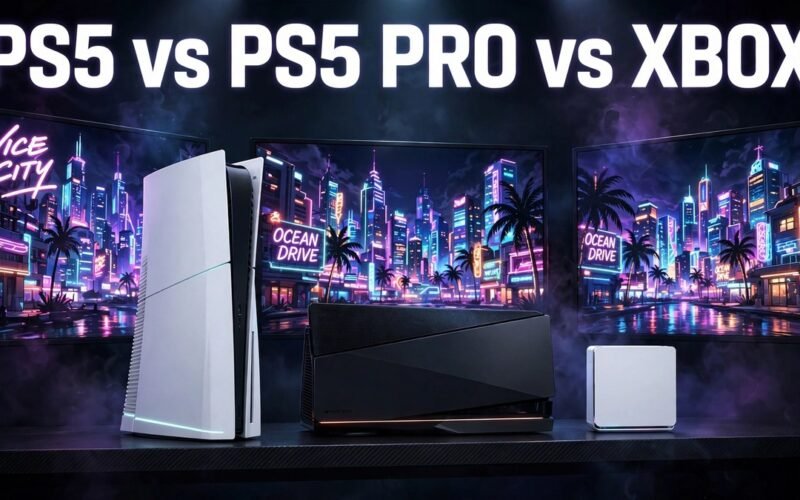
GTA 6 PS5 vs PS5 Pro vs Xbox: Performance, Frame Rate and Is the Pro Worth $899.99?
GTA 6 is finally out, and the question every console player has been asking for years now has a definitive…
Read More →
How to Make Money Fast in GTA 6: Barn Glitch, Fencing and Legit Methods
Money runs everything in GTA 6. Cars, safehouses, weapons, clothes, businesses, none of it comes cheap, and the game’s economy…
Read More →
GTA 6 Launch Bugs and Crashes: CE-108255-1 Error, Fixes and What Rockstar Has (Not) Said
GTA 6 launched on 19 November 2026 to record-breaking sales, but for a slice of players the biggest open-world game…
Read More →